Installing Claude Code Into Your Linux System
Introduction
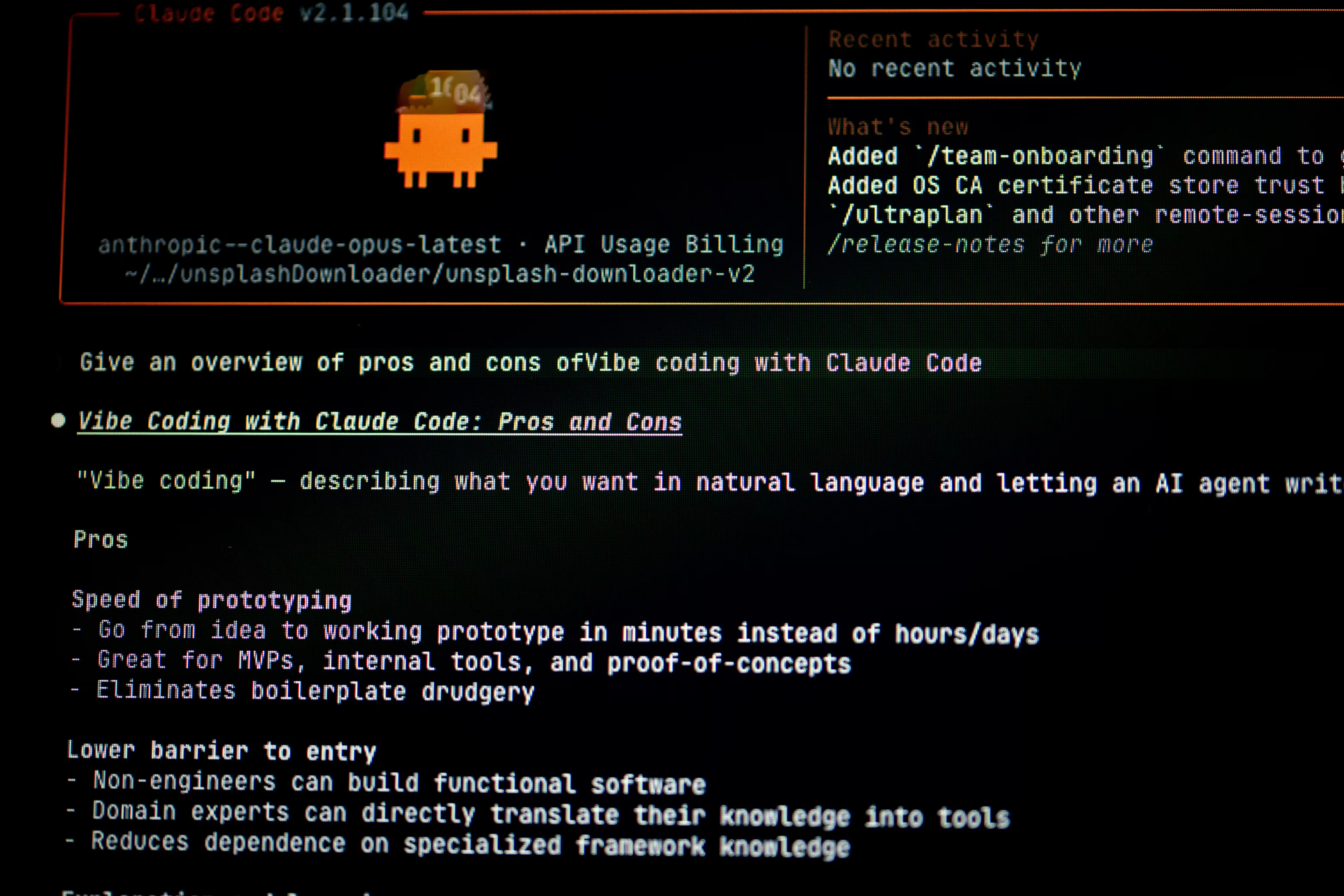
Claude Code is an AI-powered agentic coding assistant developed by Anthropic. Operating directly inside your terminal, IDE, or desktop environment, it can analyze codebases, edit files, execute shell commands, and manage Git workflows—all using plain language instructions.
Step 1: Update Your System and Install Dependencies
Before installing Claude Code, ensure your package manager is up to date and that Node.js and npm are installed on your system.
1. Update Package Managers
Choose the command corresponding to your Linux distribution:
$ sudo apt update && sudo apt upgrade -y$ sudo dnf update && sudo dnf upgrade -y$ sudo pacman -Syu$ sudo zypper refresh && sudo zypper update -y2. Install Node.js and npm
If you do not have Node.js and npm installed yet, run the appropriate command for your system:
# Debian / Ubuntu
$ sudo apt install nodejs npm -y

# Fedora
$ sudo dnf install nodejs npm -y

# Arch Linux
$ sudo pacman -S nodejs npm

# openSUSE
$ sudo zypper install nodejs npm -y
3. Install Claude Code
Run the official installation script:
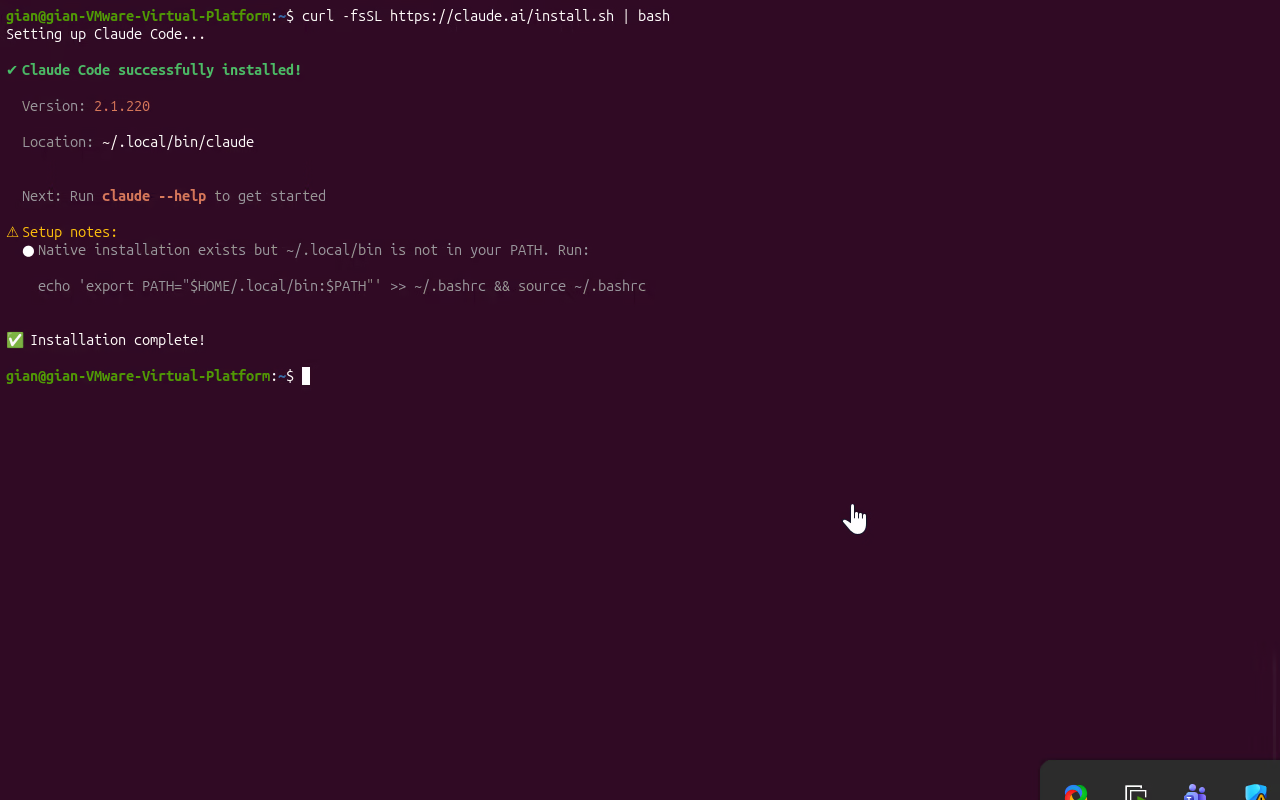
$ curl -fsSL https://claude.ai/install.sh | bashOnce the installation finishes, add the binary path to your shell profile so
your system can locate the claude executable:
$ echo 'export PATH="$HOME/.local/bin:$PATH"' >> ~/.bashrc
$ source ~/.bashrcwhich claude
Step 2: Obtain a Free OpenRouter API Key
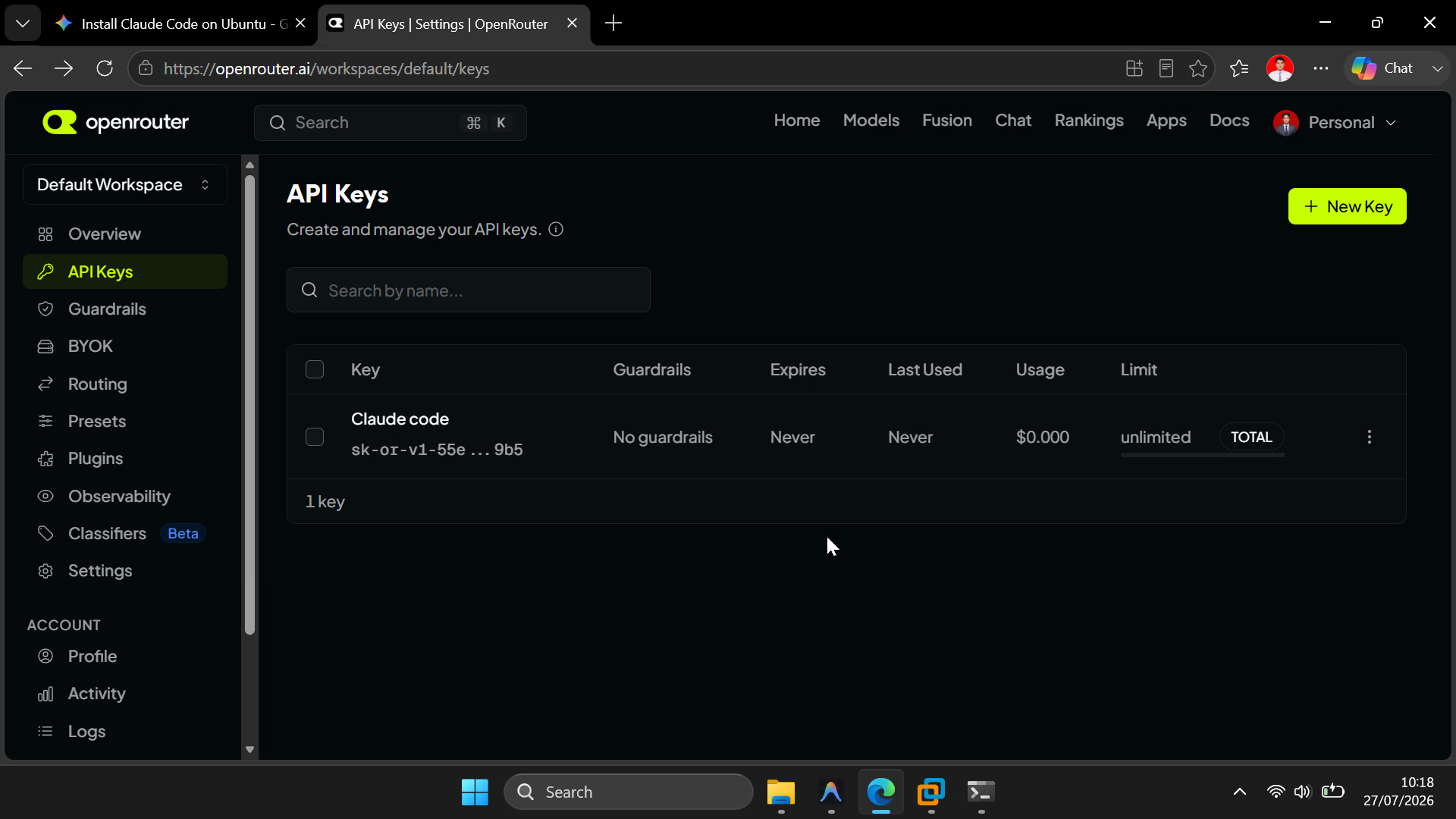
- Go to OpenRouter.ai and create a free account (or log in).
- Navigate to your Account Dashboard and click Get API Keys.
- Click Create Key, give it a name, and copy the generated API key immediately.
Using the openrouter/free endpoint allows OpenRouter to automatically route your
requests to available free models (such as nvidia/nemotron-3-ultra or others) and
rotate them if daily limits are reached.
Step 3: Configure Claude Code to Use OpenRouter
Now, direct Claude Code to route requests through OpenRouter by adding the necessary environment variables to your configuration file.
Open your bash configuration file in a text editor:
$ nano ~/.bashrcScroll to the bottom of the file and paste the following block:
# ==========================================
# OpenRouter Free Model Configuration for Claude Code
# ==========================================
export ANTHROPIC_BASE_URL="https://openrouter.ai/api"
export ANTHROPIC_AUTH_TOKEN="sk-or-v1-YOUR-OPENROUTER-KEY-HERE"
export ANTHROPIC_API_KEY=""

# Set primary model to OpenRouter's free tier
export ANTHROPIC_MODEL="openrouter/free"

# Route background agents to the free model tier
export ANTHROPIC_DEFAULT_SONNET_MODEL="openrouter/free"
export ANTHROPIC_DEFAULT_HAIKU_MODEL="openrouter/free"
(Be sure to replace sk-or-v1-YOUR-OPENROUTER-KEY-HERE with your actual
key).
Save and exit the editor (Ctrl + O, Enter, then
Ctrl + X in nano).
Reload your configuration to apply the changes:
$ source ~/.bashrcStep 4: Run Claude Code
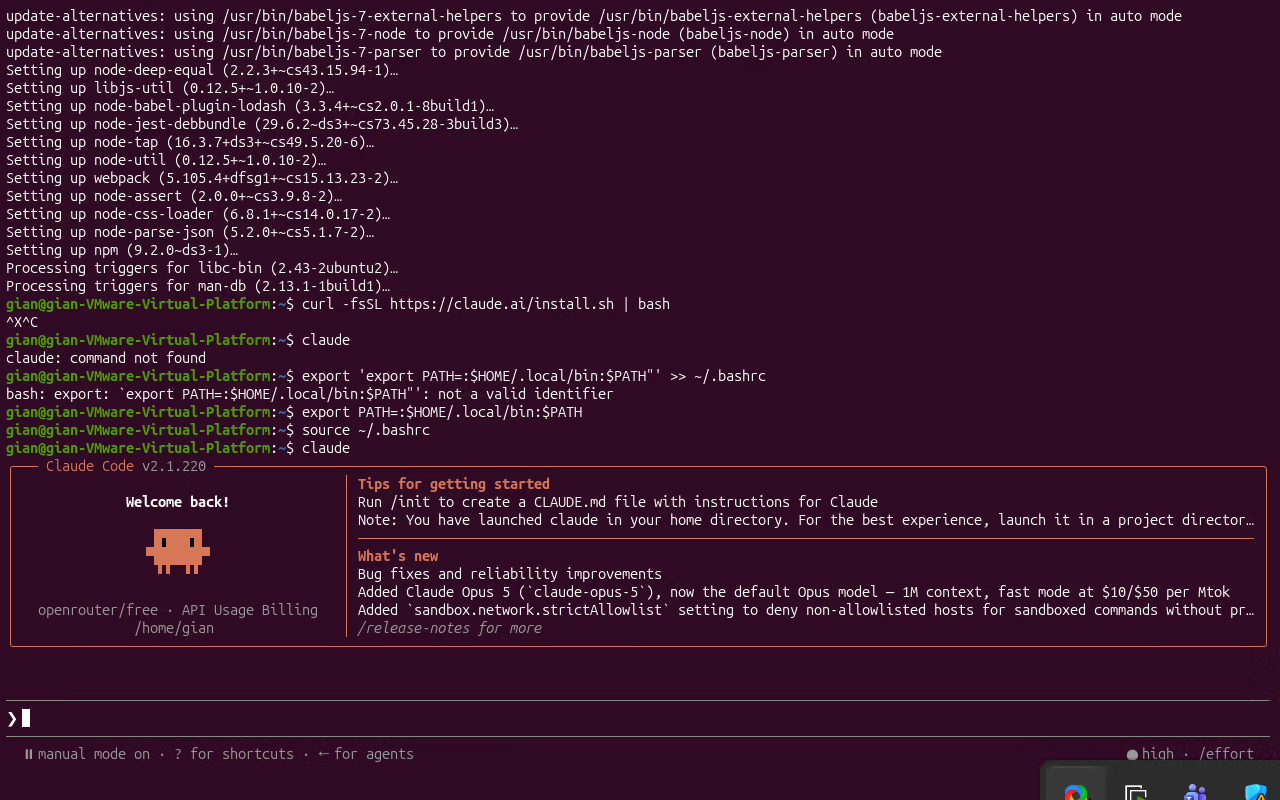
Navigate to your target project directory and launch Claude Code:
$ cd /path/to/your/project
$ claude
You can now interact with and maintain your project using plain English instructions right from your terminal.